 blog
blog
7 Productivity Tips for Parents in Coworking Spaces
Last Updated: October 22, 2026
Quick Summary
To stay productive in coworking spaces as a parent, choose a location with supervised, onsite childcare so you can work in a separate quiet room. Plan your hardest tasks for your first childcare block, use sound-dampening headphones, and block time around childcare hours. Arrive early to claim a quiet desk, and keep a backup childcare plan ready for interruptions.
- Pick coworking spaces with closed classrooms, teacher-led programming, and flexible day passes.
- Write a short schedule the night before mapping hard tasks to childcare hours.
- Spend your first hour on your highest-value task, not your inbox.
- Sit facing a wall and silence non-urgent alerts during deep work blocks.
- Keep a backup sitter's number and a light-task list for disrupted days.
Table of Contents
- 1. Pick a Coworking Space With Childcare Built In
- 2. Build a Parent-Friendly Daily Plan Before You Arrive
- 3. Set Clear Goals and Prioritize Tasks in Your First Hour
- 4. How to Stay Focused While Working Remotely Around Other Parents
- 5. Claim a Quiet Workspace for Parents Before the Room Fills Up
- 6. Use Time Blocking and Pomodoro Sessions Around Childcare Hours
- 7. Plan Backup Childcare and Handle Interruptions Without Losing the Day
- Why Coworking for Working Parents Beats Another Day at the Kitchen Table
- Frequently Asked Questions
1. Pick a Coworking Space With Childcare Built In
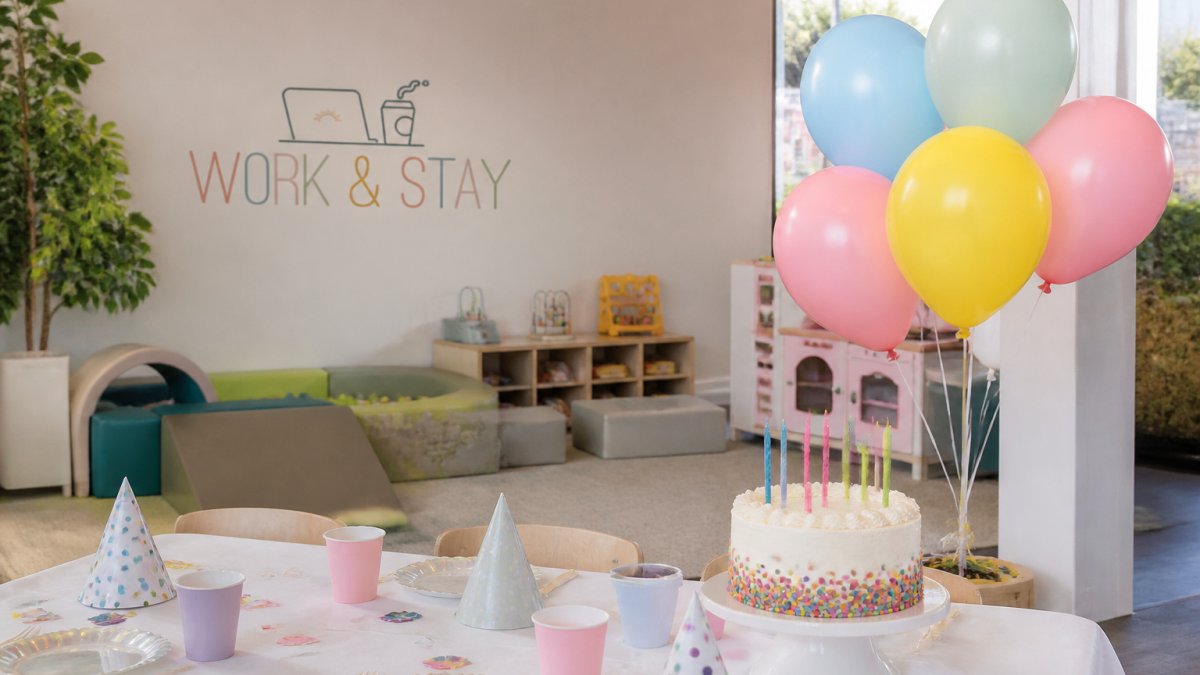
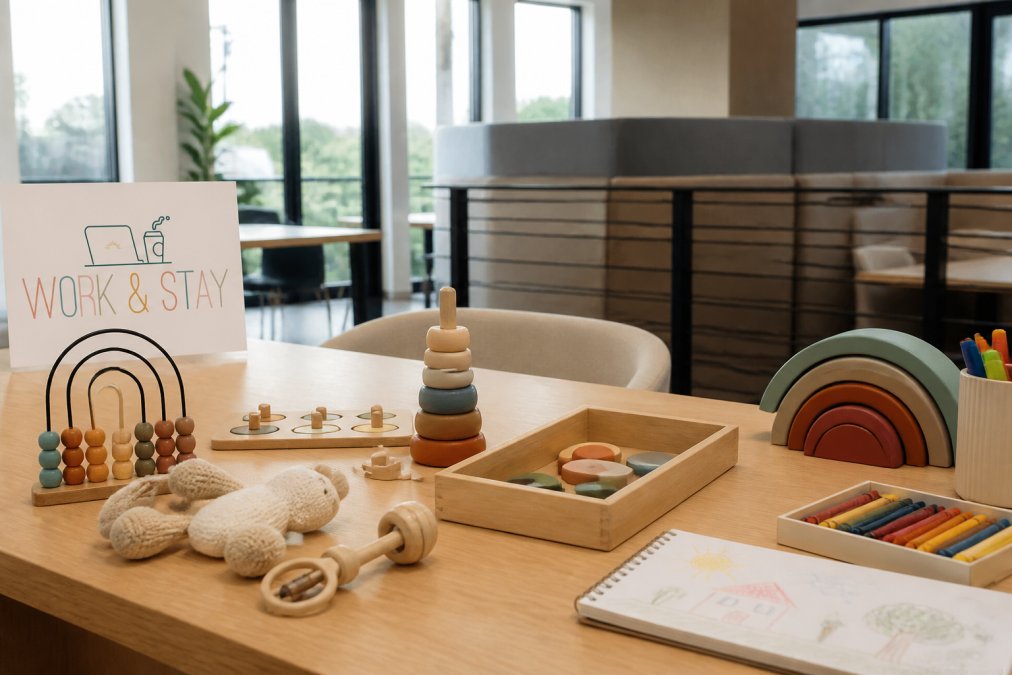
The single biggest upgrade to a working parent's day is one of the coworking spaces with childcare on site. Instead of juggling a laptop and a toddler, you get two separate rooms: one for focus, one for play. Work & Stay, the coworking side of Play & Stay, was built around exactly this setup, with supervised, teacher-led childcare for ages 0-6 just steps from the desks.
That distance matters more than it sounds. A common mistake is treating childcare as a drop-off errand across town. When the classroom is a short walk from your desk, a quick check-in costs two minutes, not an afternoon.
When you tour a space, judge it on these points:
- Separate, closed classrooms so noise stays out of the work area
- Teacher-led programming, not just supervision
- Age-appropriate rooms for the youngest kids
- Flexible access through memberships or day passes, with no long-term contract

2. Build a Parent-Friendly Daily Plan Before You Arrive
A parent-friendly daily plan is a short written schedule made the night before that maps your hardest tasks to your childcare hours. Ten minutes of planning saves a morning of drifting.
Most parents arrive without a plan and spend the first hour deciding what to do. Skip that. Before you walk in, write down three things:
- The one task that must finish today
- Any calls that need a quiet room
- When you will pick up your child
Then match tasks to energy. Hard thinking goes in the first block. Email and admin fill the gaps. Flexible hours are the whole point of coworking for working parents, so use them on purpose.
3. Set Clear Goals and Prioritize Tasks in Your First Hour
The first hour sets the tone for everything after it. Spend it on your highest-value task, not your inbox.
Here is a simple way to prioritize:
| Priority | Task Type | When to Do It |
|---|---|---|
| 1 | Deep work that needs focus | First childcare block |
| 2 | Calls and meetings | Mid-morning, in a private room |
| 3 | Email and messages | After lunch |
| 4 | Admin and errands | Last 30 minutes |
Clear goals beat long to-do lists. Pick two or three tasks you can actually finish, and let the rest wait. Task completion feels better than a list that never shrinks.
4. How to Stay Focused While Working Remotely Around Other Parents
Staying focused while working remotely comes down to controlling three things: sound, sightlines, and your phone. Get those right and the room stops mattering.
- Use sound-dampening headphones for deep work blocks
- Sit facing a wall, not the walkway, to cut foot traffic distractions
- Silence social media and switch off non-urgent alerts
- Respect quiet hours posted by the space, and take calls in a private office
Other parents are not the problem. They are in the same boat, and most will happily keep voices low during focus time. The real distraction is usually the phone in your hand.
5. Claim a Quiet Workspace for Parents Before the Room Fills Up
A quiet workspace for parents is worth arriving early for. The best desks, the private offices, and the corner seats go first, and they do not come back until afternoon.
Arrive at opening when you can. Claim your spot, set up your dedicated desk, and settle in before the room gets busy. A tidy desk with only what you need also cuts the urge to fidget.
SIGN UP FOR YOUR MEMBERSHIP TODAY →
Check the internet connection on day one. Ask about bandwidth for video calls and whether there is a wired option. A dropped call in front of a client stings more than a noisy neighbor.
6. Use Time Blocking and Pomodoro Sessions Around Childcare Hours
Time blocking and the Pomodoro Technique turn a foggy day into a finished one. Time blocking means assigning each hour a job. Pomodoro means working in short sprints with real breaks.
Try this rhythm:
- Block 1 (90 minutes): deep work, phone off
- Break (10 minutes): stand, stretch, grab water
- Block 2 (90 minutes): calls or collaborative work
- Lunch and a walk to recharge
- Block 3 (60 minutes): email, admin, planning tomorrow
Build the blocks around your childcare hours, not the other way around. Movement between blocks keeps energy up. A short walk beats a third coffee.
7. Plan Backup Childcare and Handle Interruptions Without Losing the Day
Backup childcare is the plan you make before something goes wrong. Kids get sick, sitters cancel, and school calls. The parents who handle it best already know their next move.
Build a simple backup plan:
- Know the space's drop-in and day pass options
- Save a backup sitter's number in your phone
- Keep a light-task list for disrupted days
- Tell your team your plan before you need it
When an interruption hits, triage it fast. Handle the urgent piece, then return to your top task, not your inbox. One rough hour does not have to sink the whole day.
Why Coworking for Working Parents Beats Another Day at the Kitchen Table
Working from the kitchen table sounds free until you count the cost, which is why so many parents turn to coworking spaces. The laundry, the dishes, the fridge, and a bored toddler all compete for the same attention. Coworking for working parents removes that competition.
A coworking space with childcare gives you a real boundary between work and home. You get a quiet space, a community of parents who get it, and kids who spend the morning learning instead of watching you type. Flexible hours and day passes mean you pay for what you use, and you can test the setup before committing.
The math is not just money. It is focus, sanity, and a cleaner line between the two halves of your life. For parents weighing the trade, that is usually the whole argument.
The hardest part of remote work with young kids is not the work. It is finding a setup where both you and your child can thrive at the same time. Work & Stay solves that with a coworking lounge and private workspaces paired with supervised, curriculum-based childcare for ages 0-6, all under one roof and available through memberships or day passes with no long-term contract. Explore Work & Stay memberships and day passes and give your workday the quiet it deserves.
Frequently Asked Questions
How can parents stay productive in a coworking space?
Arrive with a written plan: two or three priority tasks, a rough time block for each, and a clear stopping point. Use the first focused hour for the hardest work, keep notifications off, and take real breaks instead of scrolling. Parents who treat coworking time as scheduled work time, not an open-ended errand, get more done because the childcare is handled and the environment is set up for focus.
What should parents look for in a coworking space with childcare?
Check four things: a separate, supervised childcare room rather than kids in the work area; staff who handle diapers, naps, and separation anxiety; flexible day passes or memberships with no long-term contract; and quiet options like a phone booth or private office for calls. Ask how sick children and incidents are handled, and confirm the age range covers your child before you commit.
How do you balance work and childcare when working remotely?
Stop trying to do both at once. Block work hours when someone else is watching your children, and block family hours when you are fully off the laptop. A coworking space with on-site childcare makes that split physical: you walk your child to the classroom, then walk to your desk. Keep a backup plan for sick days, and keep your schedule flexible enough to absorb a short interruption without derailing the whole day.
How do parents plan a productive coworking day?
Book your childcare slot first, then build the workday around it. Write your top three tasks the night before, assign each a time block, and note which one needs quiet. Pack a bag with a laptop charger, headphones, water, and a snack so you are not losing time to errands. End the session by writing tomorrow's first task, which makes the next visit start faster.