 blog
Mobile Worker Gear: What to Pack for Scottsdale Work
Quick Summary
Essential mobile worker gear in Scottsdale includes a laptop, a stand, an external keyboard, and a power bank, along with heat protection because the Phoenix-area heat can damage devices. Start with the items that remove your biggest daily friction and pack only what you actually use, so your kit stays light and protected.
- Summer afternoons in the Phoenix area regularly push past 100 degrees Fahrenheit.
- Never leave a laptop or power bank in a parked car or the trunk.
- A 13- to 14-inch laptop is the common sweet spot for mobile workers.
- Choose a laptop stand that folds flat, weighs under a pound, and locks at more than one height.
- Pick a power bank with USB-C fast charging and carry a spare charging cable.
Table of Contents
- Why Scottsdale Mobile Workers Need a Different Kit
- Core Equipment: Laptop, Stand and External Keyboard
- Staying Powered: Power Banks, Chargers and Hotspots
- Audio, Comfort and Ergonomics on the Go
- Building a Mobile Office Setup by Budget and Work Style
- Packing Mobile Office Supplies Without the Clutter
- Where to Put Your Kit to Work in Scottsdale
- Frequently Asked Questions
Why Scottsdale Mobile Workers Need a Different Kit
Working on the move in Scottsdale is not the same as working from a home office. Heat, long drives between meetings, and spotty coverage in some areas all shape what you should carry. A good mobile worker gear list starts with that reality, not with a generic tech shopping list, because mobile worker gear has to hold up to heat and travel.
Summer afternoons in the Phoenix area regularly push past 100 degrees Fahrenheit. Devices and batteries do not like that kind of heat. Leaving a laptop or power bank in a parked car is a bad idea, and a compact cooling sleeve or a shaded bag becomes part of your kit. Our curated essential gear list shows which items are worth carrying.
Many parents who work mobile also need a place where their kids can be safe while they focus. Work & Stay offers a coworking lounge with supervised, curriculum-based childcare for ages 0-6, so you can pack lighter when you know your work block has a plan.
- Protect devices from heat in vehicles and bags
- Plan power for long days away from your desk
- Choose gear that folds, fits a bag, and survives daily travel
Core Equipment: Laptop, Stand and External Keyboard
Your laptop is the center of your mobile setup, and in this climate it has to survive more than a commute. Choose a model that is light enough to carry all day and fast enough for video calls, large files, and multiple browser tabs. A 13- to 14-inch screen is the common sweet spot for mobile workers: big enough for split-screen work, small enough to fit a daypack.
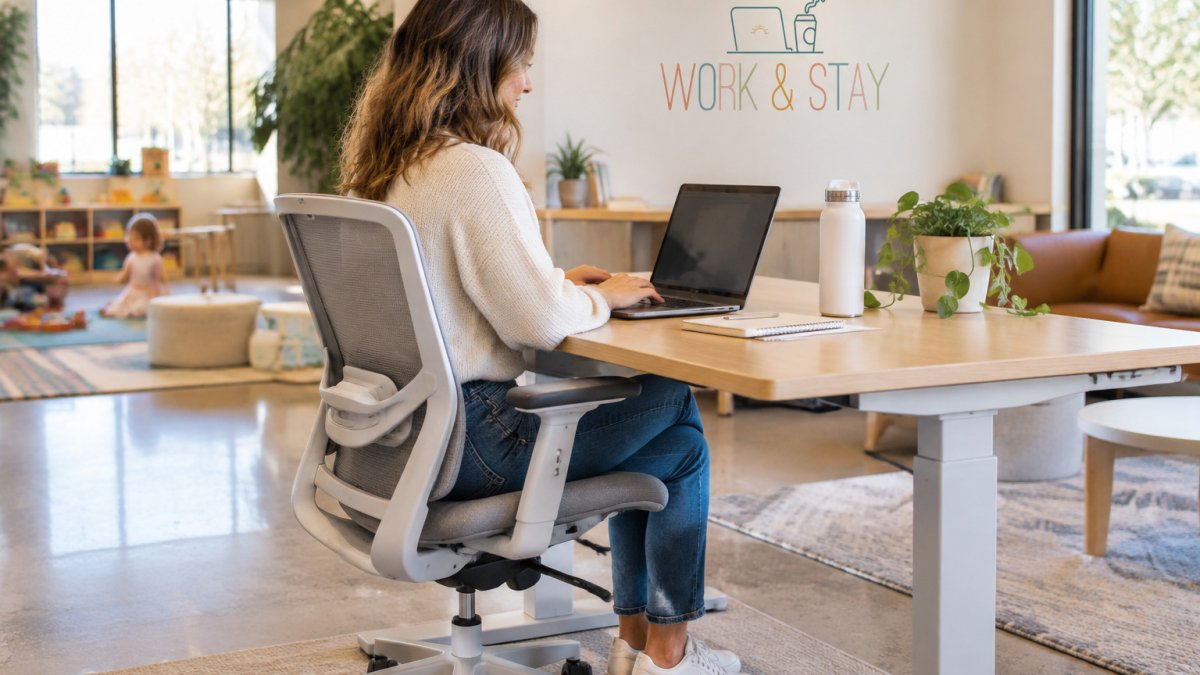
A laptop stand is the single accessory most mobile workers regret skipping. Working with the screen at eye level protects your neck and shoulders, especially on long days in a coworking chair or a rental car seat. Look for a stand that folds flat, weighs under a pound, and locks at more than one height.
A compact wireless keyboard pairs well with a stand. Typing on a laptop keyboard for hours causes fatigue, and an external keyboard lets you keep the laptop closed and elevated. Choose a keyboard that pairs over Bluetooth with at least two devices so you can switch between a laptop and a phone without re-pairing. A small wireless mouse or trackpad completes the setup; a mouse with a low-profile design packs flatter than a full-size ergonomic model.
Heat is the local variable most gear lists ignore. Carry the laptop in a shaded bag, never leave it in the trunk, and let it cool to room temperature before you power it on after a hot drive. A thin cooling pad or a ventilated sleeve helps when you must work outdoors in the shade.
Watch out: Test the stand before you commit to a full day of use, and check that the hinge holds firm with your laptop's weight.
Staying Powered: Power Banks, Chargers and Hotspots
Battery life decides whether your workday lasts. A power bank with enough capacity to recharge your laptop or phone at least once gives you real flexibility. Check that it supports fast charging over USB-C so you spend less time tethered to an outlet.
Pack a short charging cable and a compact wall adapter in the same pouch as the power bank. A car charger or inverter is useful for long drives, but remember that running a laptop from a car inverter drains the car battery if the engine is off.
Connectivity matters just as much as power. A mobile hotspot from your phone plan works in most places, but cellular coverage varies across Scottsdale and the surrounding desert. Check your carrier's coverage map before you commit to a location, and consider a dedicated hotspot if your work depends on steady uploads.
- Pick a power bank with USB-C fast charging
- Carry a spare charging cable
- Confirm cellular coverage at your regular work spots
Audio, Comfort and Ergonomics on the Go
Clear audio keeps you productive on calls and protects your focus in busy spaces. Wireless earbuds with active noise cancellation work well for most people and are the lightest option to carry. Open-ear designs are a good choice if you need to stay aware of your surroundings, which matters when you are working alone in a public space or moving between a car and a building.
For longer calls or deep focus, an over-ear Bluetooth headset with a boom microphone gives better voice quality than earbuds, because the microphone sits closer to your mouth and picks up less room noise. Test the microphone before an important meeting; a quick recorded test call catches most problems before a client does.
Comfort adds up over a full day. A lumbar support cushion for your car or a small footrest can make a big difference, and a lightweight lap desk turns a cafe table into a workable desk. Keep your wrists neutral while typing and take short movement breaks every hour. On hot days, a breathable seat cushion and a loose layer you can remove indoors help you move between air-conditioned rooms and outdoor heat without overheating.
Public spaces add a layer most gear lists skip: privacy and security. A privacy screen filter narrows the viewing angle so the person at the next table cannot read your screen. Use a cable lock or never leave your bag unattended, and enable a screen lock with a short timeout. On public Wi-Fi, connect through your phone's hotspot or a trusted VPN rather than an open network, and turn off file sharing before you join.
Watch out: Noise-cancelling earbuds can mask a fire alarm or someone calling your name, so keep one earbud out or use a transparency mode when you are working alone in an unfamiliar space.
Building a Mobile Office Setup by Budget and Work Style
Not every mobile worker needs the same kit. Your budget and work style should guide what you buy first.
A lean setup for occasional travelers might include only a laptop, a power bank, and wireless earbuds. A mid-range kit adds a laptop stand, a wireless keyboard, and a second charging cable. A full mobile office for daily hybrid work adds a portable monitor, a hotspot, and a padded backpack.
Start with the items that remove your biggest daily friction. If you keep running out of battery, buy the power bank first. If your neck hurts after long sessions, buy the stand first.
| Work style | Core items | Nice-to-have items |
|---|---|---|
| Occasional traveler | Laptop, power bank, earbuds | Stand |
| Daily mobile worker | Laptop, stand, keyboard, power bank | Hotspot, headset |
| Full mobile office | All of the above plus portable monitor | Cooling sleeve, footrest |
Packing Mobile Office Supplies Without the Clutter
The fastest way to lose focus is a bag full of cables you never use. Pack with a simple rule: if you did not use it last week, leave it at home.
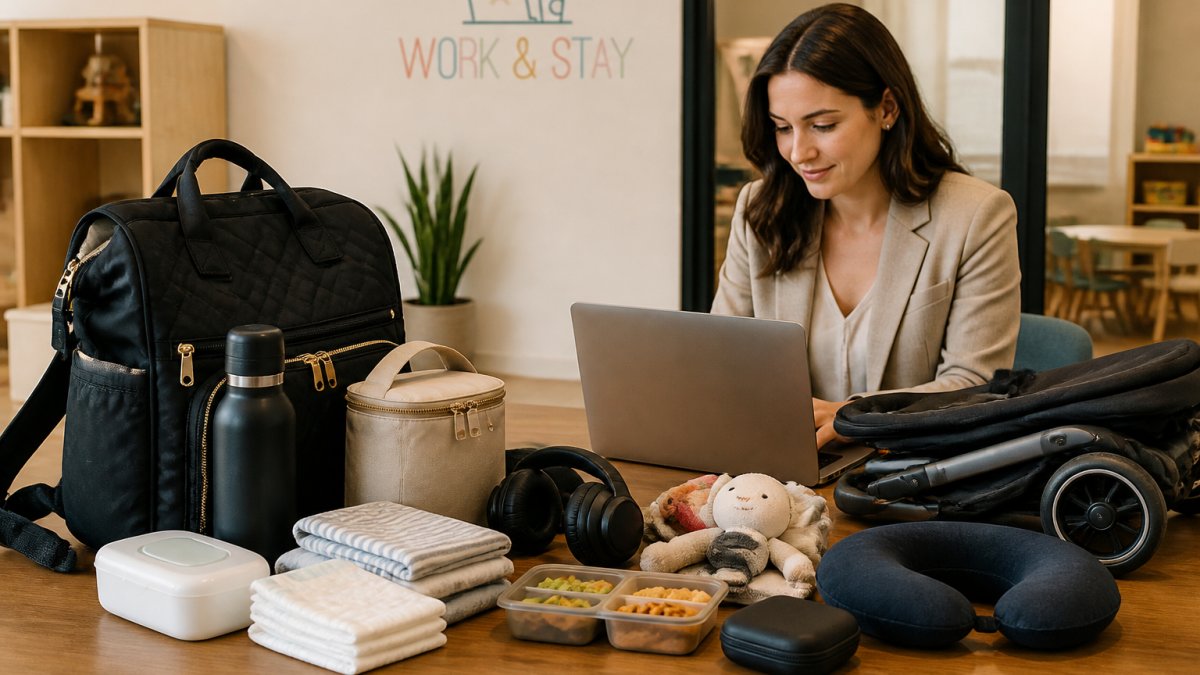
Use a single organizer pouch for cables, adapters, and the power bank. A padded laptop backpack with a dedicated sleeve keeps your device protected and separate from loose items. Keep a small notebook and a stylus pen in a front pocket for quick notes.
Cable management also helps. Velcro ties or a small zippered case keep cords from tangling. Label chargers with a bit of tape so you can spot the right one fast.
- Use one organizer pouch for all small items
- Keep a padded sleeve for your laptop
- Pack only what you used in the past week
Where to Put Your Kit to Work in Scottsdale
Once you have the right gear, you need a place to set it up. Scottsdale offers many options for mobile workers, from cafes with reliable Wi-Fi to coworking lounges. You can also browse remote work networking events in Scottsdale to find local community spaces.
Work & Stay is a flexible coworking lounge built for parents. You can use a private workspace on a membership or day pass, with supervised, curriculum-based childcare for ages 0-6 just steps away. Memberships and day passes come with no long-term commitment.
Before you head to any workspace, check its Wi-Fi speed, outlet access, and noise level. A place that lets you plug in and stay for hours is worth more than one with a nice view and no power.
To learn more about memberships or day passes, visit Play & Stay.

Frequently Asked Questions
What are the essentials for a mobile office?
A reliable laptop, a portable power bank, a backup internet option such as a phone hotspot, a compact stand or riser, and a lightweight wireless keyboard and mouse cover most needs. Add a protective case, a carry bag with organized pockets for cables, and noise-reducing earbuds if you work in shared spaces. Start with the items you use daily, then add accessories as your routine shows gaps. Prices vary by brand and specification, so compare current listings before buying.
What equipment is needed to work remotely?
Remote work requires a dependable computer, stable connectivity, and a comfortable way to see and type. A laptop stand paired with an external keyboard and mouse helps protect posture during long sessions. Headphones with a built-in microphone make calls clearer in busy locations. For mobile work, a power bank with enough capacity for a full workday and a charging cable you trust are worth prioritizing. Check your employer's policy for any required equipment.
How can I stay comfortable while working from different locations?
Comfort comes from keeping your screen near eye level and your wrists supported. A small laptop riser and a separate keyboard let you adjust height wherever you sit. Take short breaks every hour to stand and stretch. In hot weather, keep devices out of direct sun and avoid leaving batteries in a parked car, since heat shortens battery life. Pack a light layer and water so you stay focused through the day.
What should I pack in a mobile office bag?
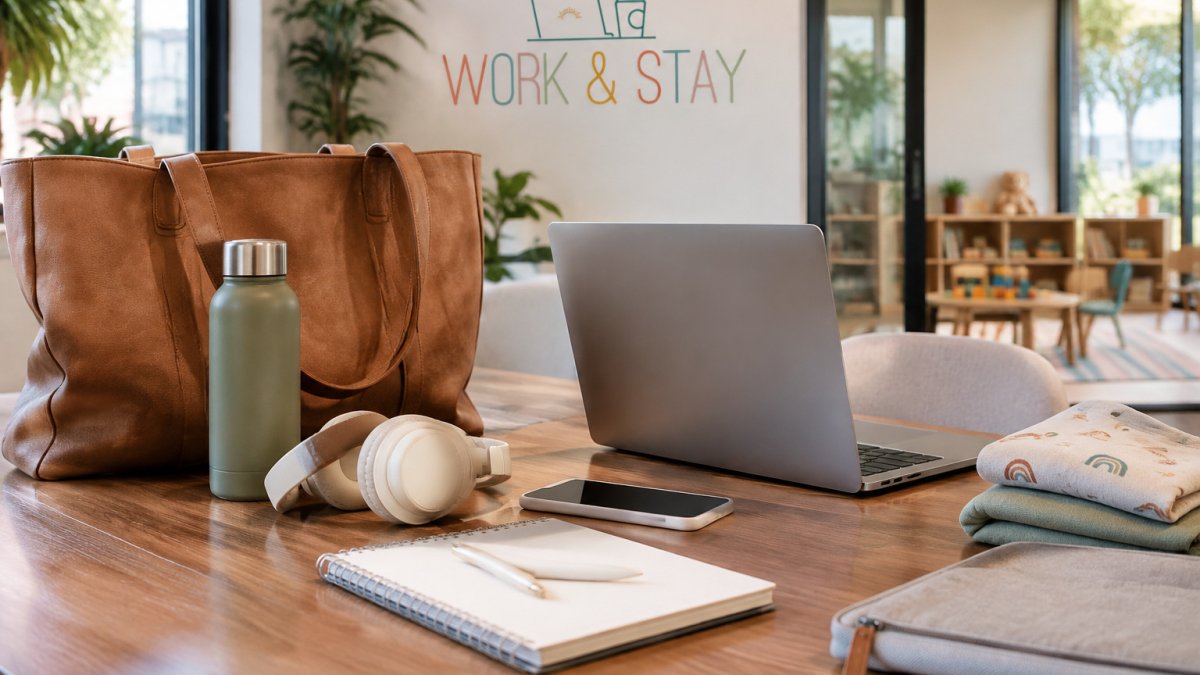
Pack your laptop in a padded sleeve, then add a charger, a spare power bank, a short and a long cable, a compact mouse, and a notebook. Keep earbuds and a phone stand in a small front pocket for quick access. Use a zippered organizer for cables so they do not tangle. Carry a copy of any files you need offline. Reviewing your bag once a week keeps it light and ready for your next location.