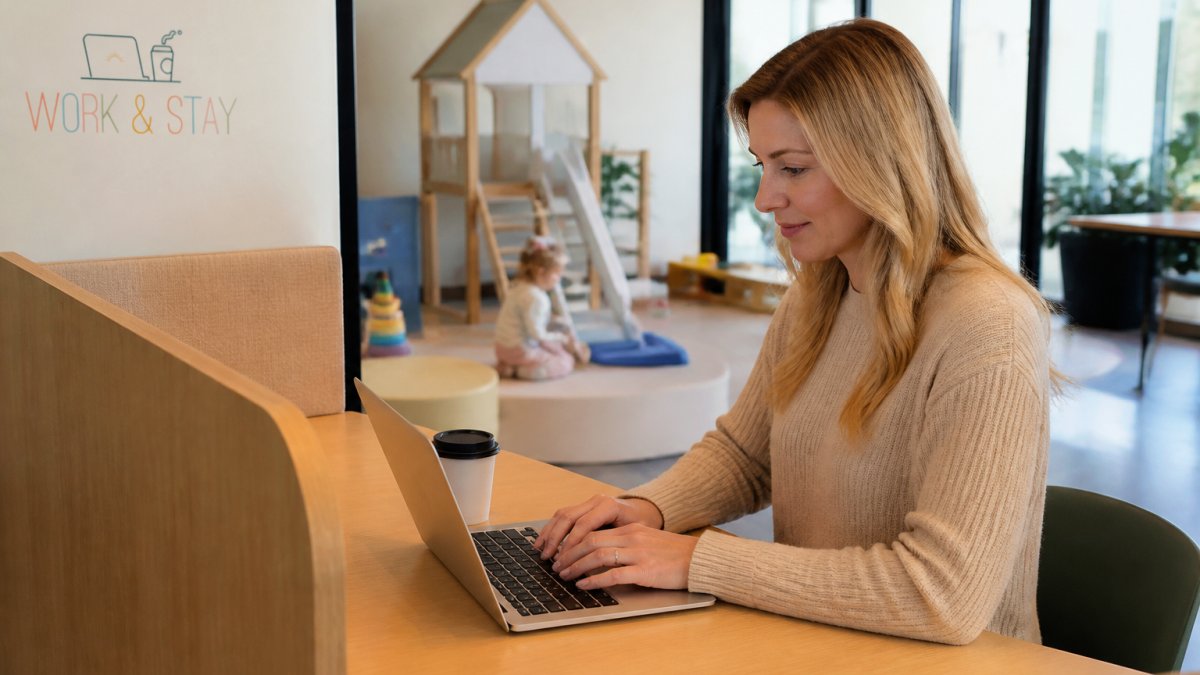
 how-to
How to Find Indoor Play Areas With High-Speed Wi-Fi
Table of Contents
- What to Look for in an Indoor Play Area With High-Speed Wi-Fi
- How to Test Wi-Fi Speed Before You Commit
- Questions to Ask a Coworking Space About Wi-Fi
- Remote Work With Childcare: Finding the Right Setup
- Finding a Coworking Space With Childcare on Site
- Evaluating Safety, Cleanliness, and Amenities
- Making Your Final Decision
- Frequently Asked Questions
Last Updated: October 12, 2026
What to Look for in an Indoor Play Area With High-Speed Wi-Fi
Finding indoor play areas high-speed wifi that work for you and your kids takes planning. The best venues combine reliable internet, quiet zones for focus, and engaging play environments in one location.
Look for spaces that separate adult work areas from active play zones. A coworking space with childcare keeps your kids supervised while giving you genuine quiet to focus on emails or calls.
High-speed wifi isn't just about streaming. You need consistent upload and download speeds for video calls, file uploads, and real-time work.
How to Test Wi-Fi Speed Before You Commit
Most venue roundups tell you a place has "free Wi-Fi" and stop there. That tells you nothing about whether you can run a video call while your toddler is in supervised play. Testing takes about ten minutes and gives you real data instead of marketing language.
Pick a Reputable Speed Test Tool
Use a well-known speed test such as Ookla Speedtest, Fast.com, or Google's built-in speed test, and run the same tool every time so numbers are comparable. Test on the device you'll actually work from, a phone on cellular data is not a valid test of the venue's network.
Run the test three times in a row and average the results. A single reading can spike or dip based on momentary congestion.
Know the Thresholds That Match Your Work
Different tasks need different speeds. Rough minimums most remote workers find workable:
- Email, messaging, and document editing: about 5 Mbps down and 2 Mbps up.
- Standard video calls (Zoom, Teams, Google Meet at 720p): about 3-4 Mbps up and down per participant, with low latency and low jitter mattering as much as raw speed.
- HD video calls and screen sharing: about 5-8 Mbps up.
- Uploading large files or backing up to cloud storage: 10 Mbps up or more to avoid long waits.
- Streaming video for the kids on a separate device: add roughly 5 Mbps down per stream.
Upload speed is the number venues neglect. A space can advertise gigabit downloads and still choke on a 1 Mbps upload. If upload tests below about 3 Mbps, expect trouble on your first call.
Test at the Desk, at the Right Times
Sit at the exact desk or table where you'd work, not the lobby or parking lot. Walls, distance from the access point, and interference all change real-world performance.
Test at the times you'd actually work. A network that's fast at 9 a.m. can crawl at 2 p.m. when the space fills up.
Check Latency and Jitter, Not Just Speed
Speed alone doesn't tell the whole story. Look at ping (latency) and jitter alongside download and upload; for video calls, aim for ping under about 50 ms and low jitter. High jitter makes calls sound robotic even when raw speed looks fine.
Ask About Network Reliability and Guest Access
Ask the venue manager directly and get specific answers, not vague promises:
- What internet tier are you paying for, and is it business-class or consumer-grade?
- Is there a dedicated network for working guests, or does everyone share one SSID?
- How many devices typically connect during peak hours?
- Is there a backup connection if the primary line goes down?
- Is the guest network isolated from staff and childcare systems?
- Are there time limits, device limits, or per-session caps on the guest network?
- Is Wi-Fi included, or is it a paid add-on?
Guest networks often run slower than staff networks, and shared SSIDs degrade faster as more devices join.
Use a Repeatable Search Method
Rather than relying on a single directory, build your own shortlist:
- Search maps for "indoor play" or "coworking with childcare" near you, then filter by open hours that match your work schedule.
- Read recent reviews and search the review text for words like "Wi-Fi," "outlets," "quiet," and "work" to surface comments about connectivity.
- Check the venue's website for a stated internet provider or speed tier.
- Call or message the venue and ask the questions above before visiting.
- Visit once, run your speed test at your intended desk, and note the results.
Practice Basic Network Safety
Public Wi-Fi carries risk. Avoid banking or sensitive client data on an open network, use a reputable VPN, keep your firewall on, and prefer HTTPS sites. A password-protected network is a small but meaningful step up from an open SSID.
FCC consumer guide to public Wi-Fi safety
Questions to Ask a Coworking Space About Wi-Fi
When evaluating a coworking space with childcare, wifi quality determines whether you can actually work. Ask these questions before you commit.
Find out if they guarantee minimum speeds or offer credits if performance drops. A space that stands behind its wifi is more reliable than one that shrugs.
Ask about network security. Is the guest network separate from childcare staff networks? If you handle client data or financial information, network isolation matters.
Get clarity on peak hours.
Ask if they offer priority bandwidth for paying members.
Remote Work With Childcare: Finding the Right Setup
The setup of the space matters as much as wifi speed. You need to focus while your kids are safe and entertained, needs that conflict unless the venue is designed for both.
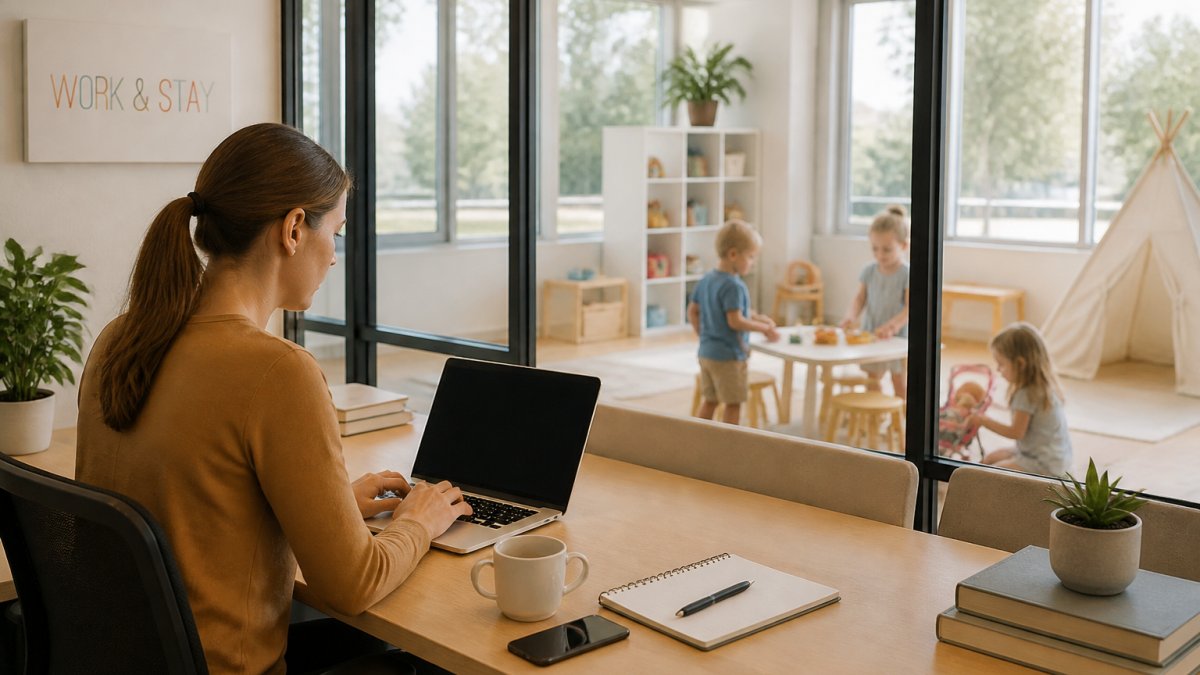
Separate Workspace vs. Open Play Environments
Separate work areas make the biggest difference.
Open floor plans where parents work near active play sound nice in theory. In reality, you hear every scream, crash, and argument. Zoom calls become impossible.
Work & Stay solves this by offering coworking lounges and private workspaces separate from the supervised childcare environment. Parents work in quiet zones while kids stay steps away in a dedicated play and learning space.
Ask venues how far the work area sits from the play area. Can you see your kids but not hear them constantly? Visual contact without audio distraction is the sweet spot.
Noise Levels and Focus-Friendly Layouts
Visit during peak hours and sit at a desk. Can you take a phone call without raising your voice? If not, the venue won't work for deep work.
Some venues use soundproofing, white noise machines, or distance to manage noise; the ones that do it intentionally perform better.
SIGN UP FOR YOUR MEMBERSHIP TODAY →
Ask about quiet hours or focus times. Some coworking spaces designate certain hours as quiet zones, giving parents dedicated focus windows.
Check the layout for sightlines.
Finding a Coworking Space With Childcare on Site
Indoor play areas high-speed wifi combined with actual childcare is rare, most venues offer one or the other.
Look for venues that market specifically to working parents.
Check whether childcare is supervised by trained staff or just open play.
Ask about age separation.
Find out about flexibility. Can you do a day pass or do they require memberships?
Work & Stay offers both membership options and day passes for parents who need flexible arrangements.
Evaluating Safety, Cleanliness, and Amenities
Safety and cleanliness aren't negotiable when your kids spend time somewhere.
Check for current safety certifications and licenses, and ask to see documentation.
Visit the bathrooms and changing areas.
Look at the play equipment.
Ask about sick policies. When can kids attend? What happens if your child gets sick while you're working? Clear policies protect everyone.
Check parking and drop-off. Complicated parking eats into your work time.
Ask about amenities that matter to you, snacks, water, changing stations, diaper supplies.
Making Your Final Decision
After testing Wi-Fi, visiting in person, and asking questions, you'll have real data to decide. Don't pick on price alone or proximity, pick the space where you can actually work while your kids stay safe and engaged.
Score Each Venue on the Factors That Matter
Build a simple comparison table. List venues down the left and rate each 1-5 on these factors:
- Wi-Fi speed and reliability, did your test at the desk, during your work hours, clear the thresholds for your tasks?
- Latency and jitter, did calls stay stable, or did the connection stutter?
- Separation between work and play areas, can you see your kids without hearing every shout?
- Noise levels during your work hours, could you take a call without raising your voice?
- Childcare quality and age appropriateness, is supervision structured, and are age groups separated?
- Safety and cleanliness, current certifications, clean bathrooms, well-maintained equipment.
- Flexibility, day passes, drop-in options, or memberships that match your schedule.
- Amenities that reduce friction, parking, drop-off flow, snacks, changing stations.
Weight the factors based on your job. If you're on video calls all day, Wi-Fi reliability and noise carry the most weight; if you mostly answer email, flexibility and location may matter more.
Use Tie-Breakers When Scores Are Close
When two venues score within a point, break the tie with:
- Your worst-case day. Which venue handles a sick kid, a late meeting, or a dropped connection better?
- Backup connectivity. Does the venue have a secondary connection or a nearby fallback?
- Staff responsiveness. How quickly did they answer your Wi-Fi and safety questions?
- Trial-ability. Can you try a day pass before committing to a membership?
Run a Real Trial Before You Commit
A single visit isn't enough. Use a day pass or drop-in session and work a normal day there, take a real call, upload a real file, see how it feels when busy. One full workday reveals more than three quick tours.
Know When to Keep Looking
If a venue can't answer basic questions about its network, won't let you test before committing, or shows speeds well below your thresholds, move on. You don't have to settle for a space that fights you all day.
For parents who want the combination of a quiet workspace and supervised, onsite childcare in one place, Work & Stay is built around exactly that setup, separate coworking areas for parents alongside a dedicated childcare environment for kids ages 0-6. Local readers can learn about memberships and day passes at Work & Stay.
Frequently Asked Questions
How can I check whether an indoor play area has fast, reliable Wi-Fi?
Visit the venue in person if possible and run a speed test on your phone or laptop using a free tool like Speedtest.net. Ask staff about their upload and download speeds, whether they offer a dedicated guest network, and if Wi-Fi coverage reaches all areas of the facility. Reliable venues will have clear answers about bandwidth, peak-hour performance, and whether the connection is stable enough for video calls and remote work.
Can I work remotely while my child plays at an indoor play area?
Yes, but success depends on the venue's layout and Wi-Fi quality. Look for spaces that offer a separate workspace for parents or a quieter area away from active play zones. Dedicated coworking spaces with childcare on site are designed specifically for this balance, providing supervised play environments for children while parents work in a focused, professional setting with reliable connectivity.
What should I ask an indoor play space about its Wi-Fi before visiting?
Ask about internet speed (download and upload), whether the network is password-protected, if there's a guest network available, coverage in all areas, and typical performance during busy hours. Also inquire about seating options near outlets, whether video calls are feasible, and if they have any restrictions on work activities. Venues designed for remote work will have thoughtful answers to these questions.
What's the difference between a traditional indoor play area and a coworking space with childcare?
Traditional indoor play areas focus on supervised open play and activities for children, while coworking spaces with childcare combine professional workspaces with curriculum-based childcare in separate environments. Coworking options offer high-speed Wi-Fi, quiet work zones, and structured childcare programming, making them ideal for remote-working parents who need both productivity and reliable childcare in one location.
Finding the right indoor play area with high-speed wifi means prioritizing both your work needs and your kids' engagement. Work & Stay brings these together in one space, offering quiet coworking zones with reliable internet alongside supervised, curriculum-based childcare for ages 0-6. Learn about flexible memberships and day passes at https://playandstayaz.com/work-stay/ to see if this setup fits your family's routine.